
Guide
How to build a portfolio page that gets found and books clients
Build a searchable creative portfolio with clear services, project proof, useful SEO copy, fast images, and one direct path from discovery to inquiry.
Most portfolio pages are built to impress other people in the industry, not to book clients. Those are different goals, and the second one is the one that pays. Here is what actually moves a visitor from "nice work" to "I've contacted them."
What actually converts on a portfolio page?
Five things, roughly in order of impact: clear positioning, project collections that show depth instead of isolated highlights, a starting price, one obvious way to get in touch, and proof beyond your own claims. The site also has to load fast enough that people see the work at all.
How do potential clients discover a portfolio website?
Usually by searching for a service in a place or situation: a wedding photographer in Manila, an event stylist in Dubai, a corporate videographer for a conference, or a venue for a particular guest count. A portfolio that only says "welcome to my world" gives a search engine and a client almost none of that context.
Use the words a real client would use, but only where they are true:
- Name the service and service area in the main heading or opening copy.
- Give each featured project enough context to explain the event, challenge, or result.
- Use a distinct search title and description that summarize the page rather than repeating a slogan.
- Follow Google's image SEO guidance and describe important images concisely when the builder provides alt-text controls.
- Link Home and Gallery clearly so both visitors and crawlers can understand the relationship.
- Keep the page public, mobile-friendly, and fast enough for the work to load.
That is SEO in its useful form: making the business and its evidence understandable. It cannot guarantee indexing or ranking, and it cannot compensate for generic copy or an empty gallery.
Should you show a full event or just highlights?
Show at least one full event, not just a highlight reel. A gallery of only the best single frame from twenty different events tells a visitor you can take one great photo. It does not tell them what an hour of your actual coverage looks like, and that is the thing they are trying to picture when they imagine you at their event. One full gallery from a real event — the quiet moments alongside the obvious ones — does more to convince someone than fifty perfect single shots.
How should you show your skills and services?
Treat the portfolio as the storefront for the creative business. The hero should say what you do and who it is for. A service section should translate broad talent into things a client can recognise and buy. Featured projects should then prove those claims: not only a polished cover image, but a path into a collection that shows the choices, range, and consistency behind it.
This does not require every project to look the same. A strong Home page can combine story, services, video, individual work, and selected projects, while Gallery becomes the deeper catalogue of collections. The two pages do different selling work: Home explains the value; Gallery proves it.
Should you list a starting price?
Yes. "Enquire for pricing" filters out serious buyers along with the tyre-kickers, because most people will not email a stranger to ask if they can even afford you. A starting figure — even a conservative one — lets visitors self-select before they contact you, which means the enquiries you do get are from people who already know roughly what this costs.
What is the one action a visitor should take?
Contact you — and there should be exactly one way to do it, not three competing options. A page with a contact form, a phone number, an email address, and three social links all presented with equal weight makes the visitor choose, and choosing is friction. Pick the form as the primary path, make it short, and let the rest exist quietly for people who prefer them.
What counts as proof?
Anything that is not just your own description of your work. Real client work is the baseline; beyond that, a specific detail — the type of venue, the scale of the event, how long you've been doing this — does more than a generic testimonial that could describe anyone. "I've shot at this venue before and know the light in the west hall" is proof. "Amazing photographer, highly recommend!" is not, even when it's true.
Does load speed actually matter?
Yes, more than most people account for. A portfolio page is mostly images, and a slow-loading gallery means a portion of visitors leave before they see any of your work at all — the exact opposite of the page's purpose. Heavy, unoptimised, uncompressed images are the most common cause. This is a case where the platform choice genuinely matters: page builders vary a lot in how well they handle image delivery by default.
What most people get wrong
- Leading with an about section. Visitors want to see the work first. Introduce yourself after they're already convinced, not before.
- Burying the contact form. If it takes scrolling past four sections to find how to get in touch, some visitors won't bother.
- Uploading full-resolution originals. They look identical to a compressed version on screen and load several times slower.
- Treating the portfolio as a museum instead of a sales page. Every section should move a visitor closer to enquiring, not just showcase range for its own sake.
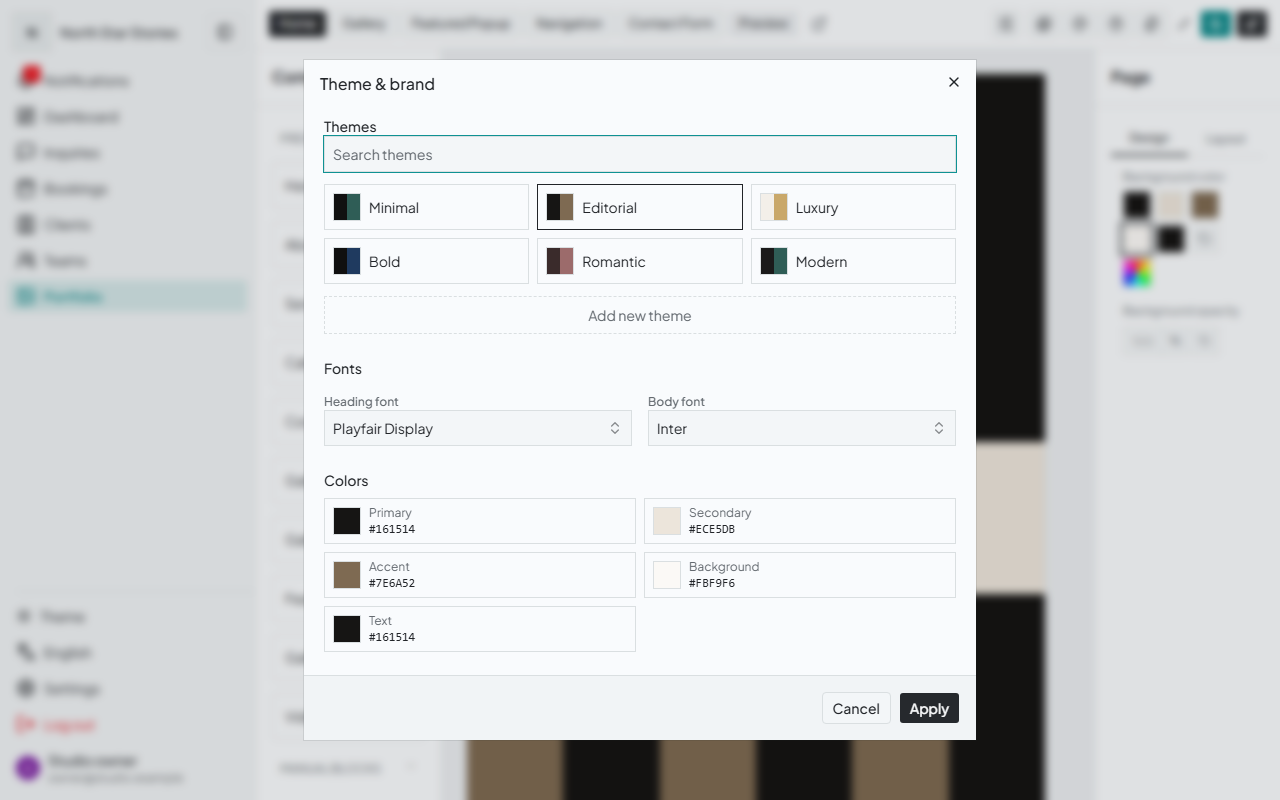
Gallurio's portfolio builder is built around those two showcase roles. Home and Gallery are independent, composable canvases for story, services, video, featured work, grid or masonry galleries, and project collections, all styled through the creator's colours and typography. The Contact experience then turns a submission directly into a client and booking record, at $15.00/mo — $150/yr. Published pages are server-rendered and support configurable search titles, Home and Gallery descriptions, canonical URLs, social previews, structured business/gallery data, and an owner-controlled indexing preference. Those capabilities help potential clients and search systems discover and understand the work; the quality and specificity of the portfolio still do the convincing. Whichever builder you use, the underlying rule does not change: show what you can do, prove it through the work, and make the next step unmistakable.
Related reading
- Gallurio vs Squarespace — what a general page builder does and does not handle for event businesses
- Gallurio vs Wix — the same comparison against Wix's editor and templates
- Website builder or booking system — deciding what your site actually needs to do